Securing Your Mining Rig Against Tampered Binaries & Phishing
Legitimate Proof-of-Work mining clients interact directly with low-level kernel drivers, PCIe memory registers, CPU Model Specific Registers (MSRs), and remote stratum sockets. Because silent coin-mining malware (cryptojackers) uses the exact same system calls, Windows Defender and commercial antivirus suites routinely flag genuine mining software as a "Potentially Unwanted Application" (PUA:Win32/CoinMiner).
Unfortunately, this conditioning causes many miners to whitelist their mining folder and ignore security warnings—creating a prime target for attackers who buy search-engine ads for lookalike typosquatted domains to distribute trojanized miner archives. Always follow strict operational security (OpSec) and link only to official developer repositories verified in our Mining Software & ASIC Firmware Directory.
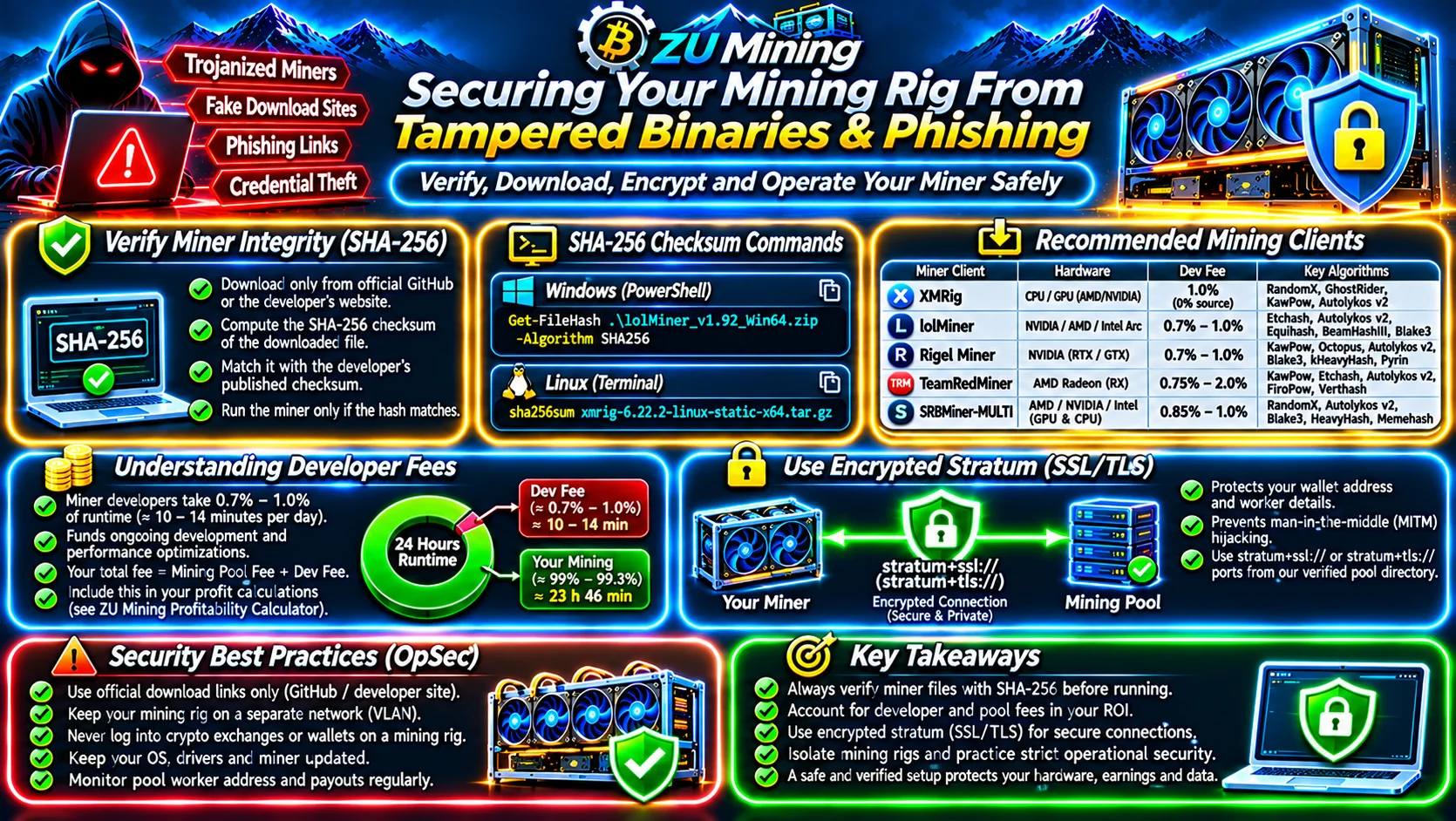
1. How to Verify SHA-256 Release Checksums Before Launching a Miner
Never execute a downloaded .zip, .tar.gz, or .exe miner binary until you have computed its local cryptographic SHA-256 hash and verified that it matches the checksum published on the developer's official GitHub Releases page:
Windows PowerShell Command:
Get-FileHash .\lolMiner_v1.92_Win64.zip -Algorithm SHA256Linux Terminal Command:
sha256sum xmrig-6.22.2-linux-static-x64.tar.gz
If even a single byte of the archive was modified by a third-party mirror or malicious browser extension, the resulting 64-character hexadecimal SHA-256 digest will change completely.
| Verified Miner Client | Hardware Architecture | Standard Developer Fee | Supported Proof-of-Work Algorithms |
|---|---|---|---|
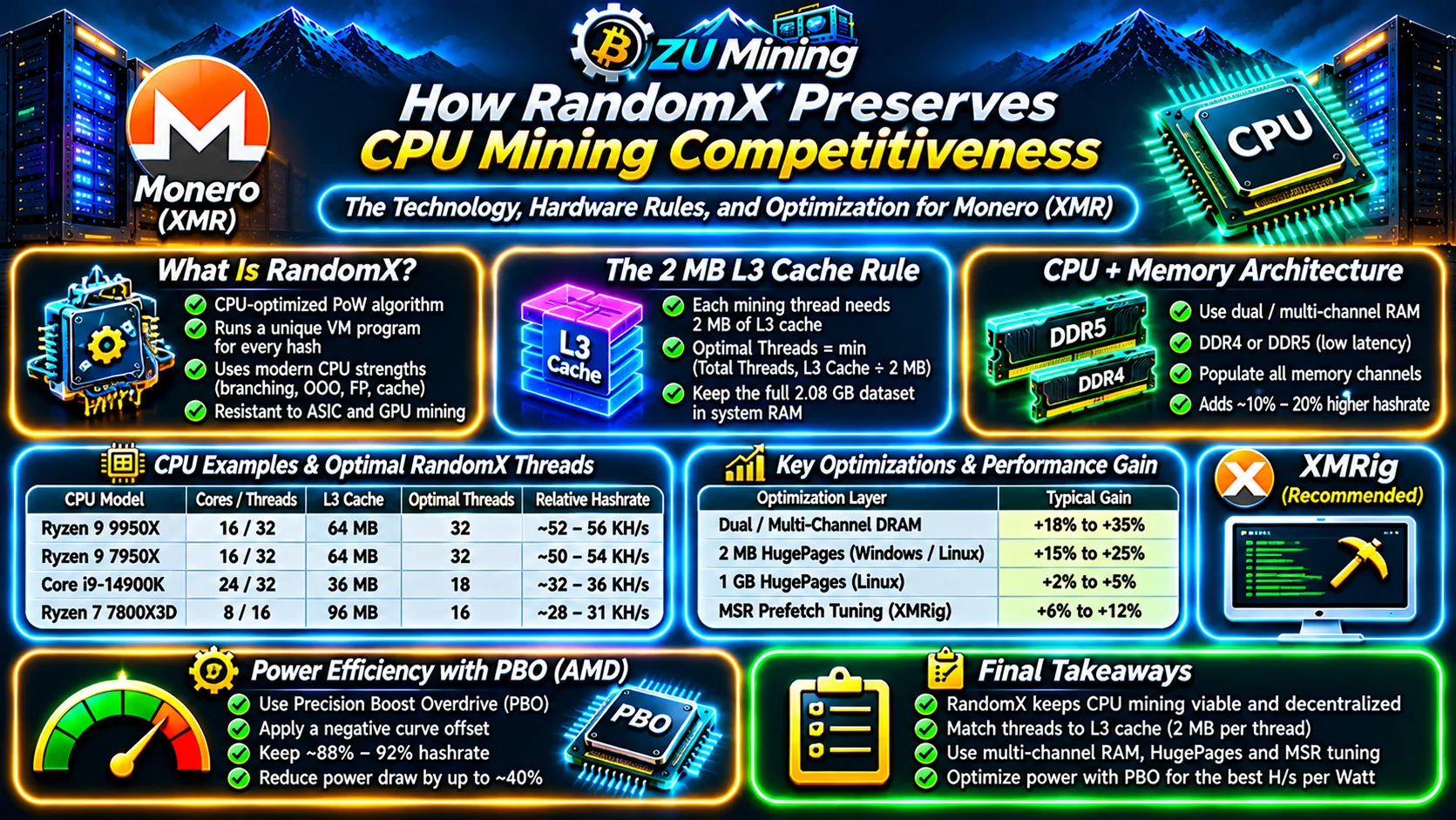
| XMRig (Open-Source GPLv3) | x86_64 / ARM CPUs, OpenCL & CUDA | 1.0% default (Configurable to 0% in source build) | RandomX, GhostRider, KawPow, Autolykos v2 |
| lolMiner | NVIDIA, AMD & Intel Arc GPUs | 0.7% – 1.0% | Etchash, Autolykos v2, Equihash, BeamHashIII, Blake3, Kaspa |
| Rigel Miner | NVIDIA GeForce RTX / GTX GPUs | 0.7% – 1.0% | KawPow, Octopus, Autolykos v2, Blake3, kHeavyHash, Pyrin |
| TeamRedMiner (TRM) | AMD Radeon RX GPUs | 0.75% – 2.0% | KawPow, Etchash, Autolykos v2, FiroPow, Verthash |
| SRBMiner-MULTI | AMD, NVIDIA, Intel GPUs & CPUs | 0.85% – 1.0% | RandomX, Autolykos v2, Blake3, HeavyHash, Memehash |
Understanding Built-In Developer Fees & Stratum SSL/TLS Encryption
2. How Miner Developer Fees Work
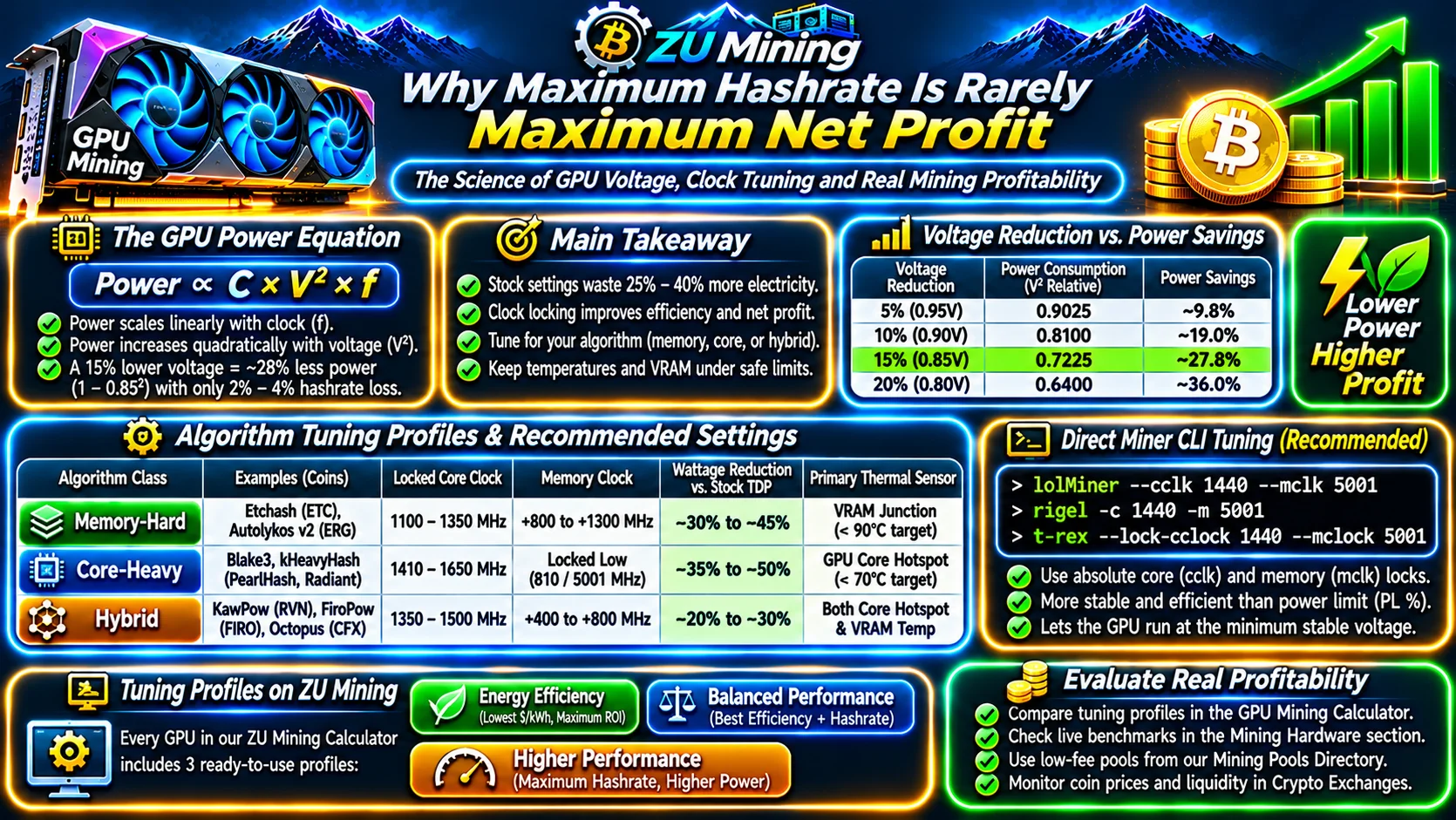
Most closed-source and open-source GPU/CPU miners fund ongoing kernel optimization by dedicating 0.7% to 1.0% of runtime (roughly 10 to 14 minutes out of every 24 hours) to mine toward the software author's wallet. When modeling exact net profitability in the ZU Mining Profitability Calculator (and in our Proof-of-Work Profitability Formula Guide), remember that your effective fee is the sum of your mining pool fee plus your miner's developer fee.
3. Preventing Stratum Man-in-the-Middle Hijacking with SSL/TLS
Legacy unencrypted stratum connections (stratum+tcp://) transmit your public wallet address, worker name, and job shares in cleartext over the internet. Compromised routers or malicious ISP relays can intercept mining.authorize packets and silently swap your payout address for an attacker's wallet while still forwarding valid job shares to the pool. Always use encrypted stratum+ssl:// or stratum+tls:// ports from our Verified Mining Pools Directory.
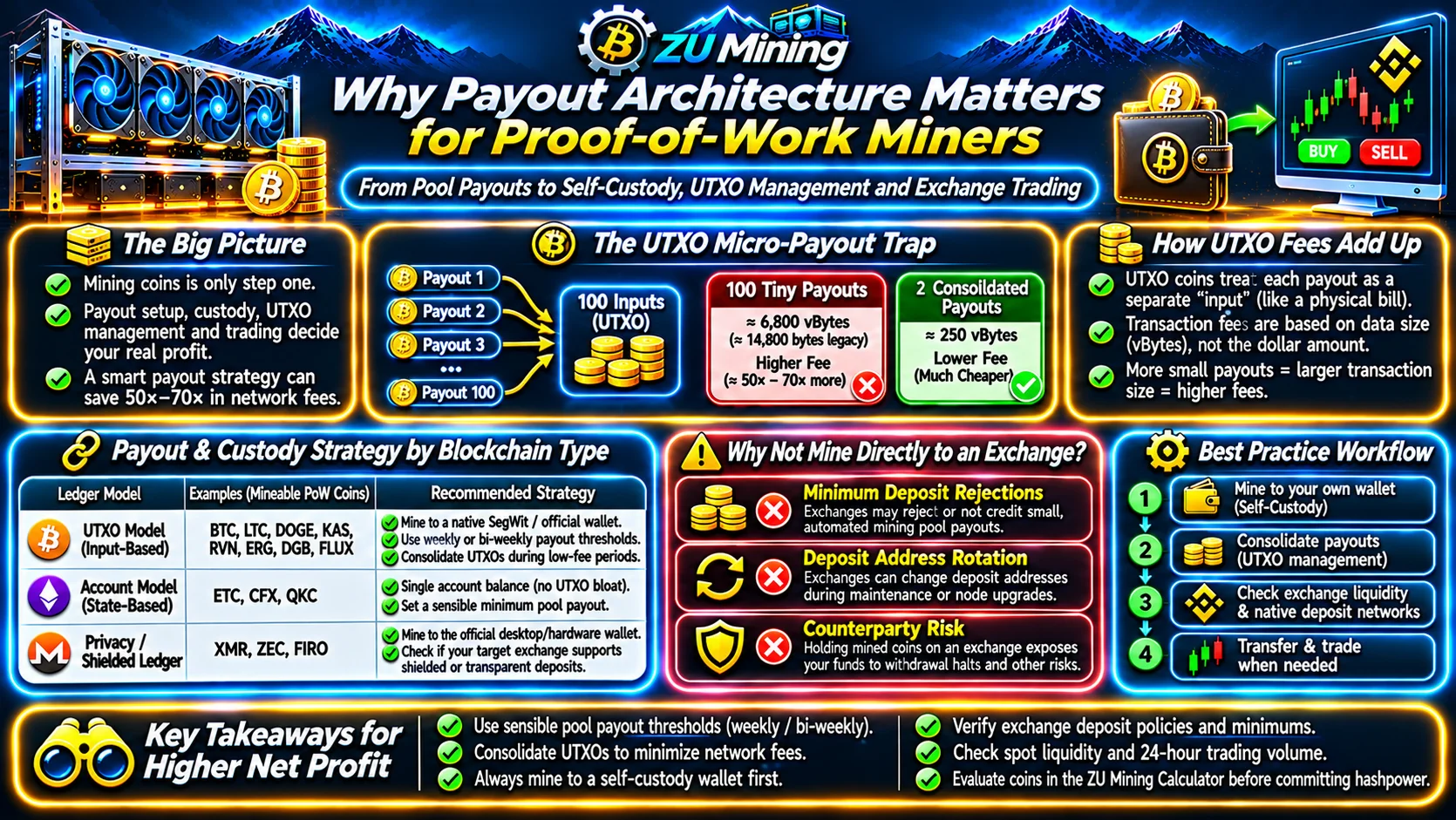
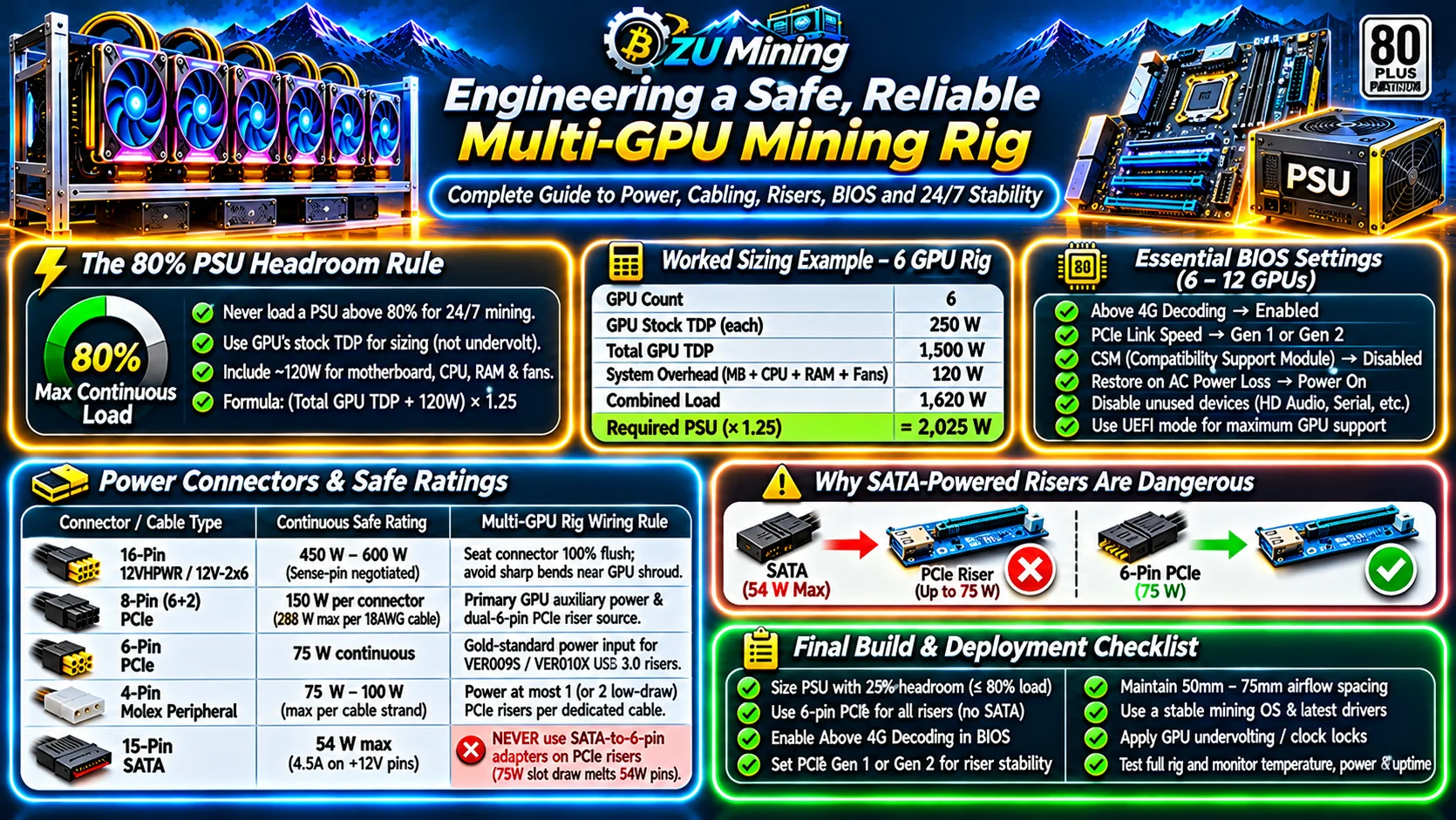
A mining rig only needs your public receiving wallet address—never a private key or seed phrase. Place all ASICs and GPU rigs from our Mining Hardware Directory on an isolated network VLAN, never log into crypto exchanges or self-custody wallets from a mining machine, and review our Mining Payouts & Self-Custody Guide and Mineable Coins Directory.